Print pending transactions


The Print pending transactions allows the user to view any pending transaction within Procure.net and print them out.
The user will navigate to Utilities tab and click on it and proceed to click onto the Print pending transactions button.

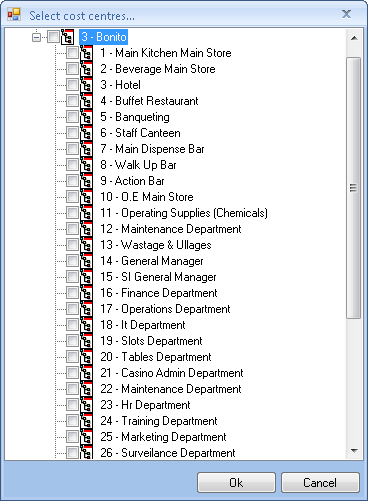
Once clicking on the module the user will be provided with option to select the cost centres for which he will like to view the pending transactions for. The user will flag his selection and click on the OK button.
The user will be provided with a grid from which he can change the date selection for which to filter the data. If the user will like to view details of the transaction for the specific document he will click on the ellipse block to be provided with a printable view of the transaction.


Created with the Personal Edition of HelpNDoc: Free help authoring tool