Database selection


The Database selection function allows the user with the appropriate authority and settings level to change between databases if the company has various databases running with Procure.net. The user will click on Utilities and then click on Database selection button.

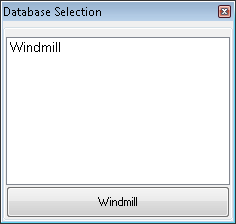
The user will be provided of a list of the various databases within Procure.net. The user will click on the appropriate database.
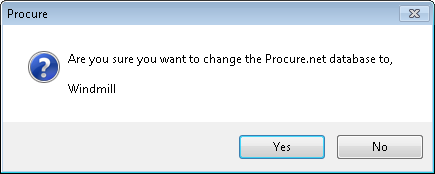
Procure.net will provide a pop-up confirming the change. The user will click on the Yes button to proceed with the change in database.
Created with the Personal Edition of HelpNDoc: Create HTML Help, DOC, PDF and print manuals from 1 single source